Your SoundTouch keeps playing. No cloud.
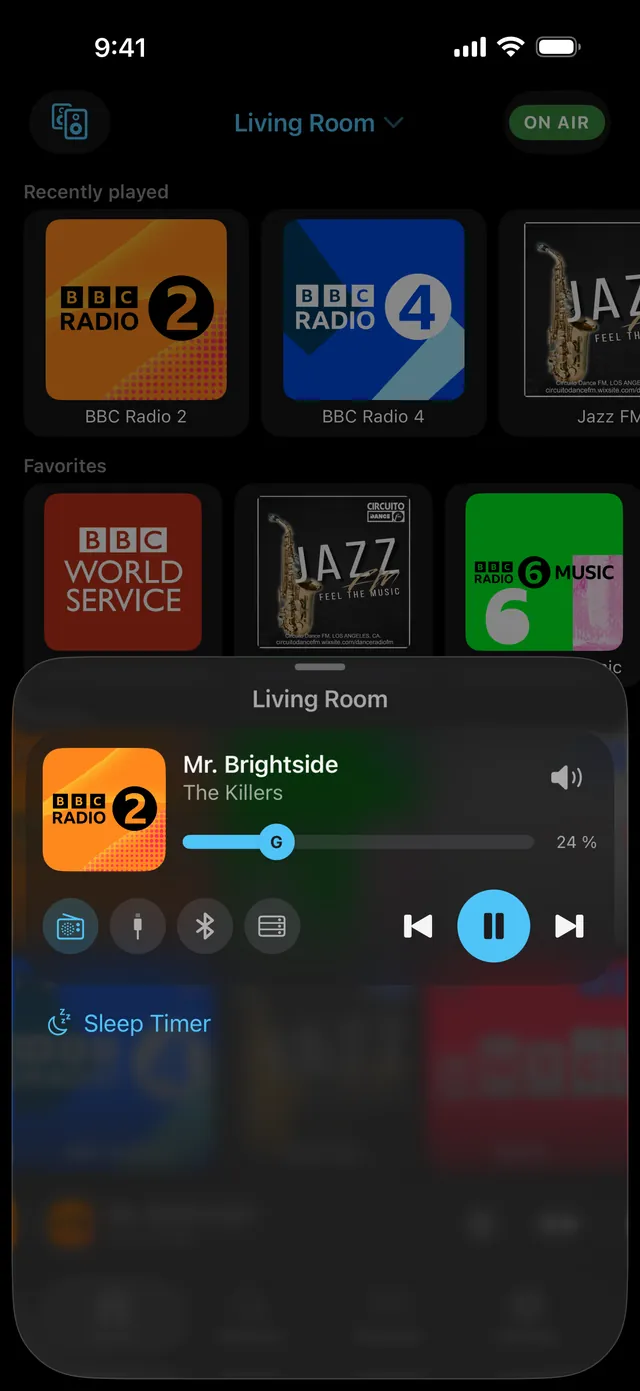
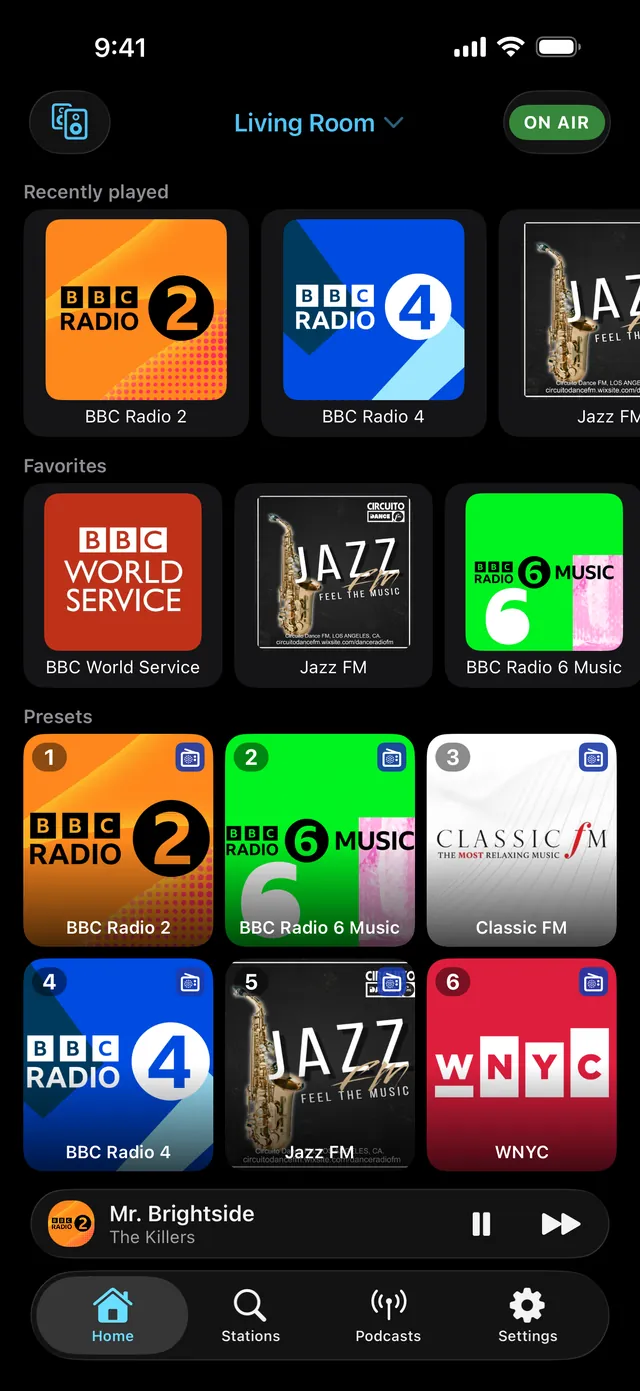
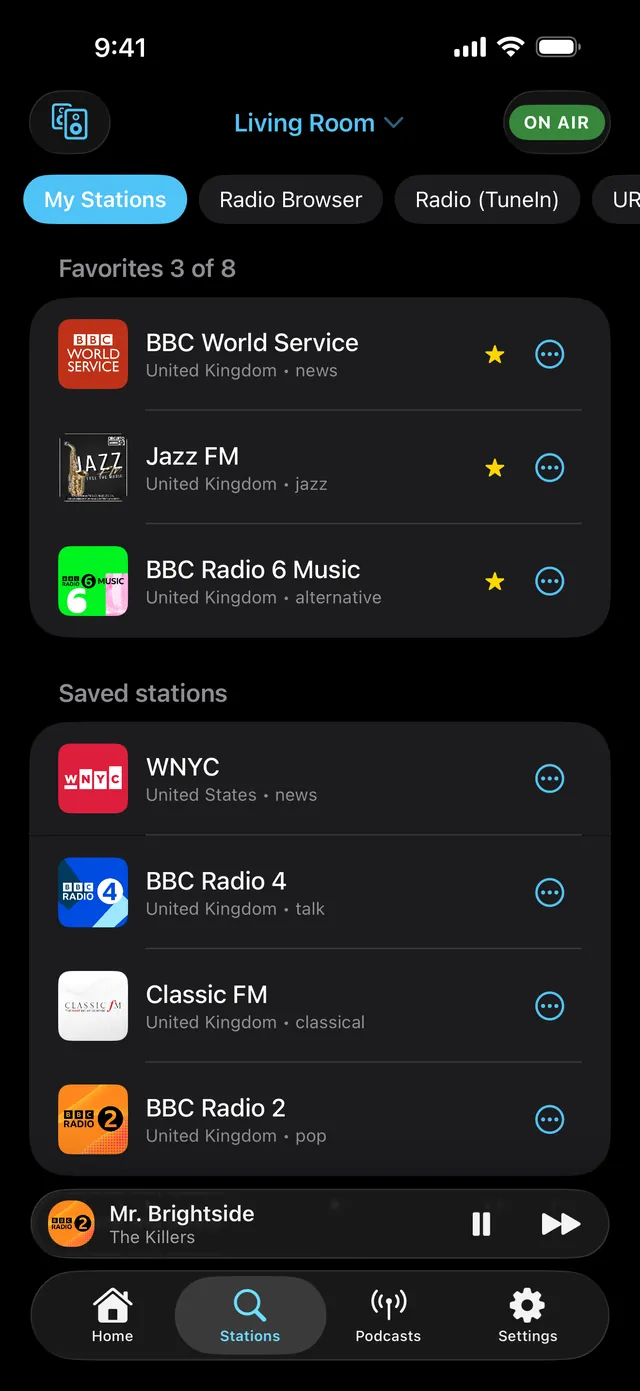
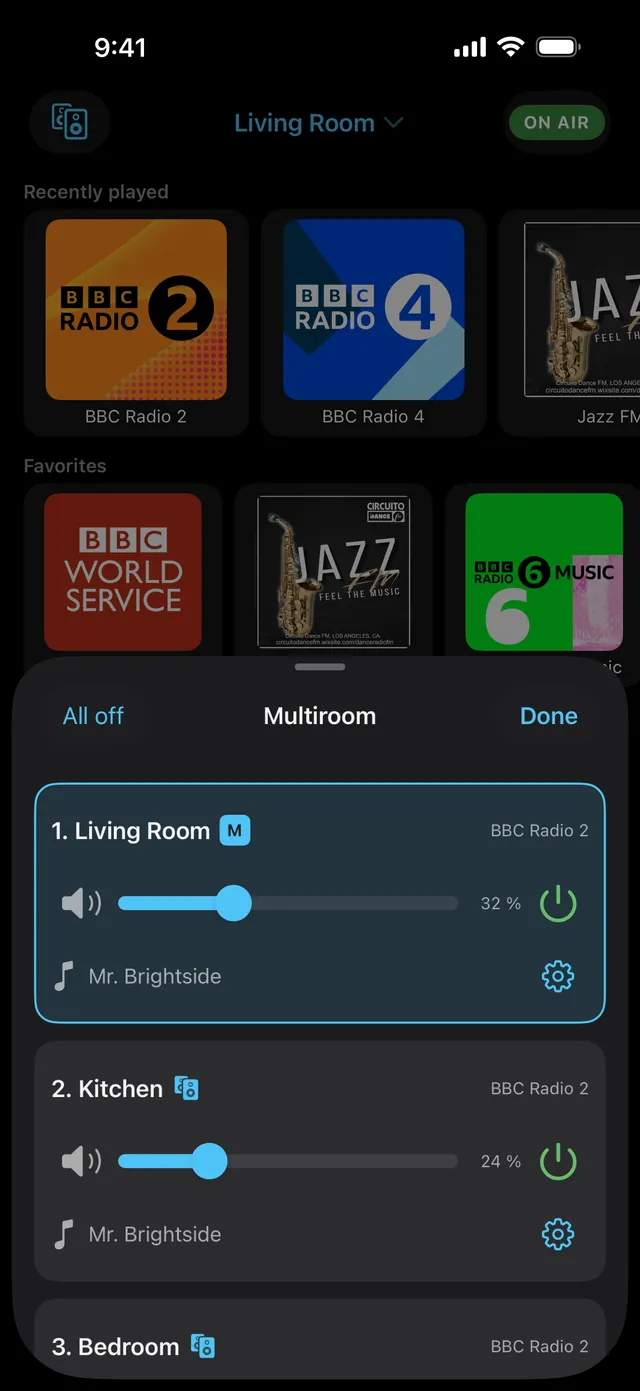
What your SoundTouch speaker can do again with SoundUplink
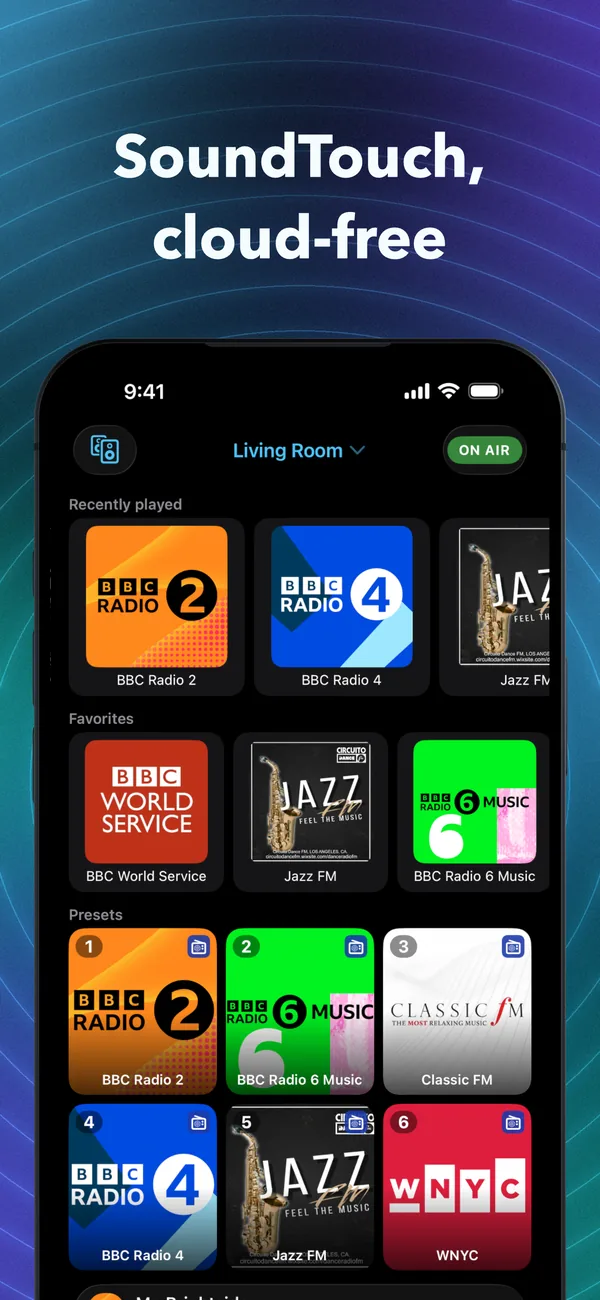
Tens of thousands of stations
Search for stations, listen and save them with a single tap. Search covers tens of thousands of internet radio stations, filtered by country, language and genre.
The six preset buttons
With a SixBack unit on your network, your favorite stations sit on the speaker's six buttons again. Without SixBack, you use the presets in the app.
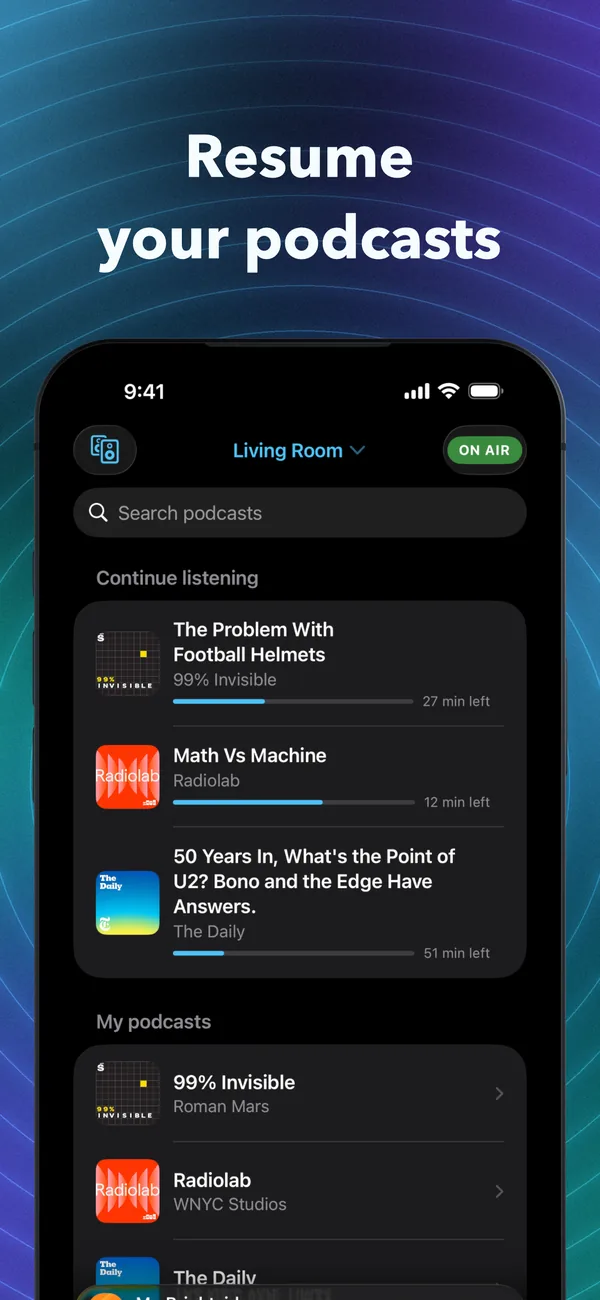
Resume your podcasts
Play podcasts on the speaker straight from the app. Favorites and listening history remember exactly where you stopped.
Music in every room
Group speakers with a tap, with one shared volume for every room and a separate slider for each speaker.
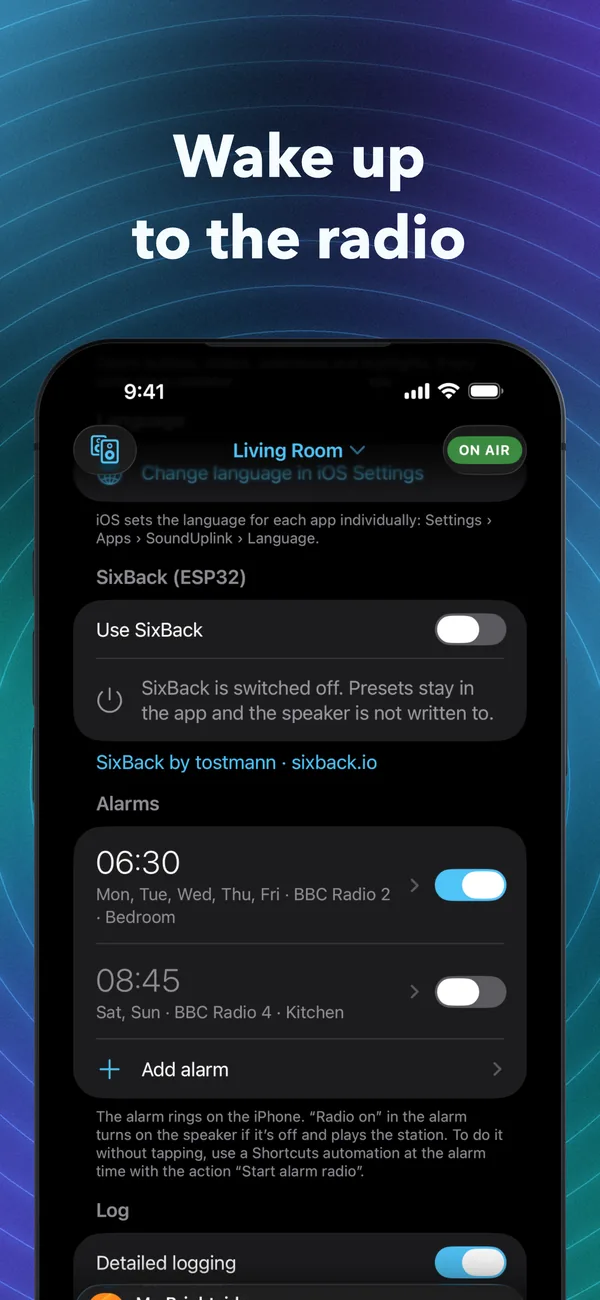
Wake up to the radio
The radio alarm starts your favorite station on the speaker. On Android the app switches it on at wake-up time, on iPhone one tap on the alarm does it.
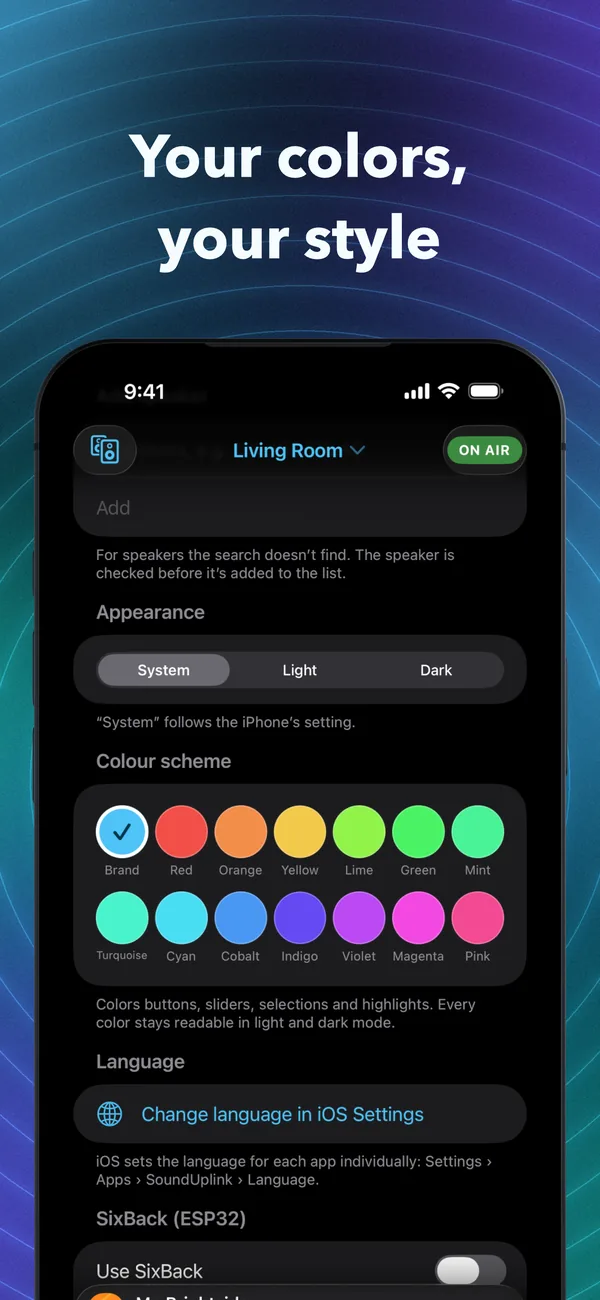
Sources and sound
Switch between Bluetooth, AUX and DLNA media servers, adjust the bass and, on models that support it, the treble. Plus 14 accent colors, light and dark.
What stopped on May 6. And what comes back.
According to Bose, the SoundTouch app now works locally only: volume, grouping and setup still work, presets and music from inside the app do not. SoundUplink uses the local interface Bose has published for developers and brings radio, podcasts and presets back to the speaker.
- Preset buttons no longer work
- No stations or music services inside the app
- Music only via Bluetooth, AirPlay or AUX from your phone
- Tens of thousands of radio stations on the speaker
- Preset buttons you can assign again, with SixBack
- Podcasts, radio alarm and multiroom in one app
A look inside the app