
SUBSCRIPTION TRACKER FOR iPHONE & iPAD
The subscription tracker that isn’t a subscription
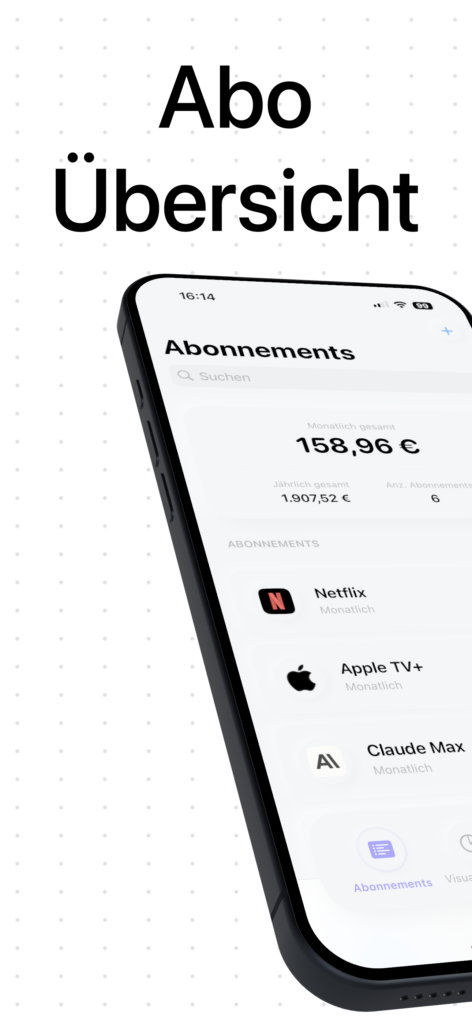
Subora shows you every subscription, streaming service and membership in one place — and reminds you in time before each renewal. Buy once, use forever: no subscription, no account, no tracking.
Keep your fixed costs under control
180+ services preconfigured
Add Netflix, Spotify, Adobe and more in seconds — or create your own subscriptions with cost, cycle and category.
4 visualizations
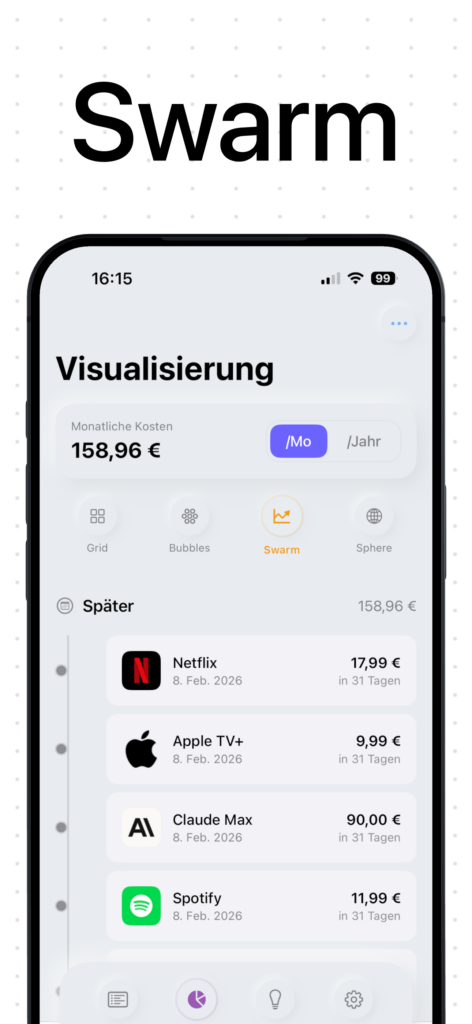
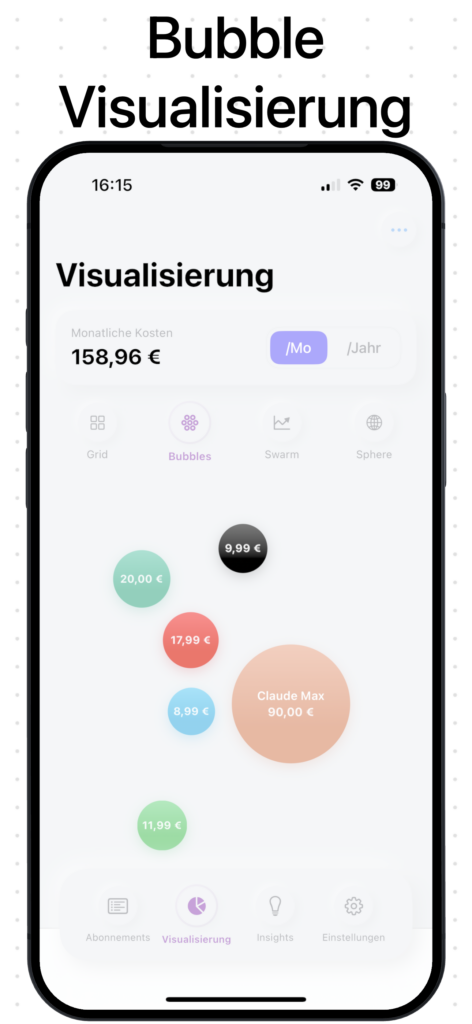
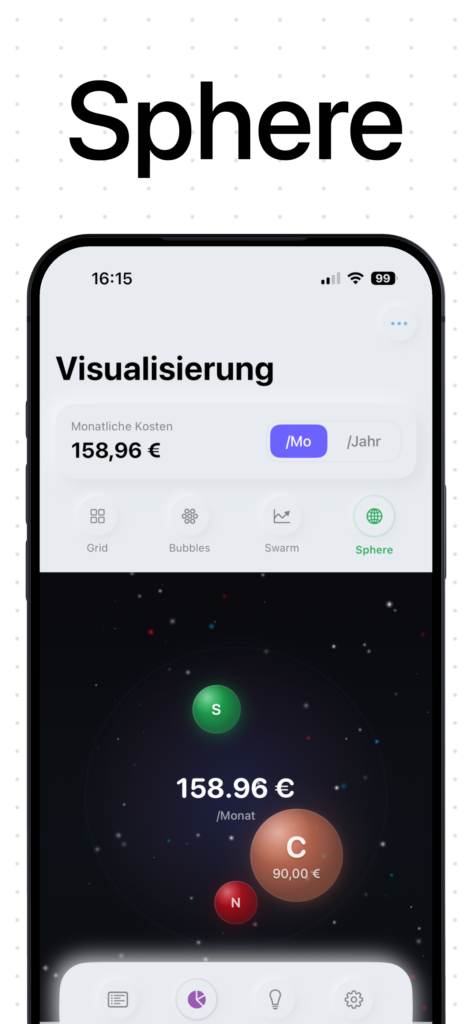
Grid, bubbles, swarm and sphere: see your monthly fixed costs the way you understand them best.
Timely reminders
Get reminded 14, 7 or 3 days before each renewal — never an unwanted charge again.
Local & private
All your data stays on your device. iCloud sync optional, no account, no tracking.
Export for accounting
Export your subscriptions as CSV, PDF or JSON — perfect as a backup or for tax season.
One-time purchase
Pay once and get every update for free. No monthly subscription, no hidden costs.
Why should a subscription tracker be a subscription itself?
Most subscription trackers ask for a subscription themselves, require an account, and send your financial data to their cloud. Subora does the opposite.
Typical subscription apps
- Monthly subscription
- Account required
- Data in the provider’s cloud
- Ads after the trial
Subora
- One-time purchase
- No account needed
- Everything local on your device
- No ads, no tracking
Frequently asked questions about Subora
What does Subora cost — and why isn’t it a subscription?
Subora is a one-time purchase. You pay once and use the app forever, including all future updates. We simply find it ironic when a subscription tracker of all things is itself a subscription.
How do I add a new subscription?
Tap the “+” and choose from over 180 preconfigured services like Netflix, Spotify or Adobe — or create your own entry. You set the cost, billing cycle and category yourself.
What do the four visualizations mean?
The grid view sorts by cost, the bubble view shows spending as interactive bubbles, the swarm view places upcoming payments on a timeline, and the sphere view offers a 3D-inspired display.
Will I be warned before renewals?
Yes. You can be reminded 14, 7 or 3 days before each renewal — so you can cancel in time and avoid unwanted charges.
Where is my data stored?
Exclusively on your device. There is no server, no mandatory cloud and no tracking. Optionally, you can enable iCloud sync for your own backups.
Can I export my subscriptions?
Yes — under Settings → Export you get your data as CSV, PDF or JSON, ideal for accounting or as a backup.
Which devices does Subora run on?
Subora is a native app for iPhone and iPad. With optional iCloud sync, your subscriptions stay automatically up to date across your Apple devices.
Still have a question? Drop us a line — we usually reply within 24 hours, directly and without a ticket system.
Get Subora — buy once, use forever
Download Subora on the App Store and finally keep your subscriptions under control — no subscription, no account, no tracking.