
SUPPORT
Good Spend Support — help for the expense tracker for iOS
Good Spend is an expense tracker that works without a bank connection and without an account: you log your transactions yourself and they stay on your device. Below you will find answers about transactions, budgets, widgets, the receipt scanner, the balance check and the cashflow forecast.
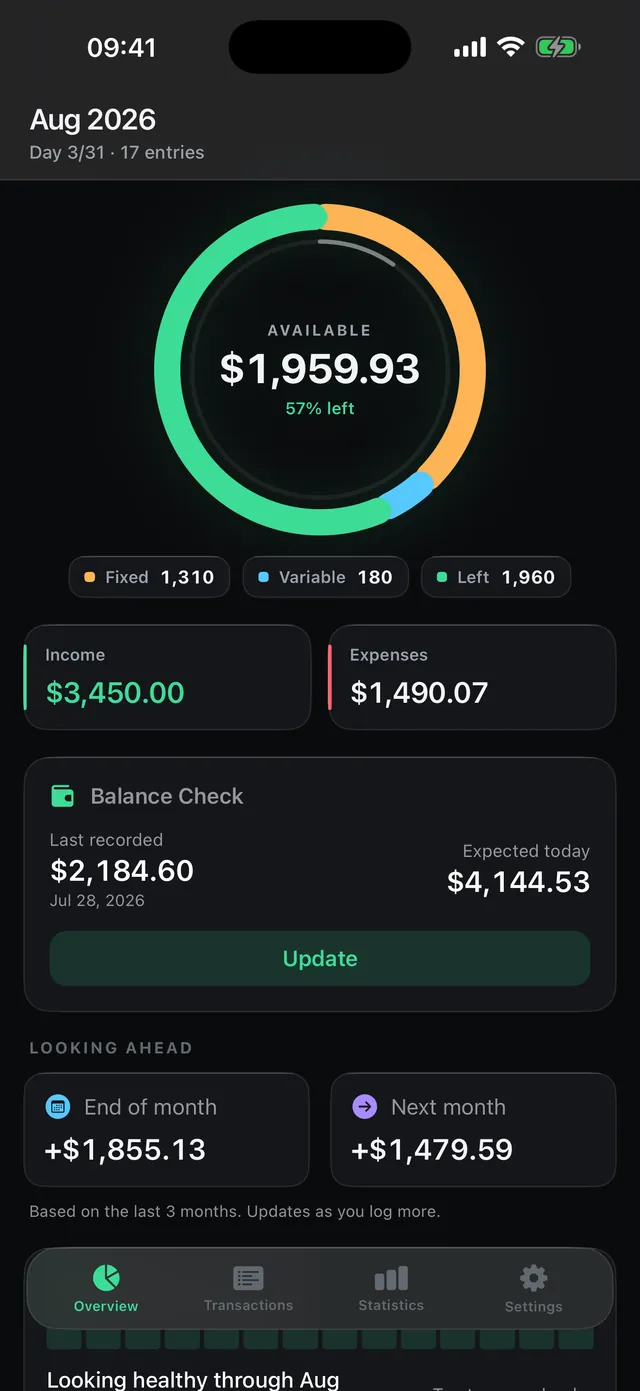
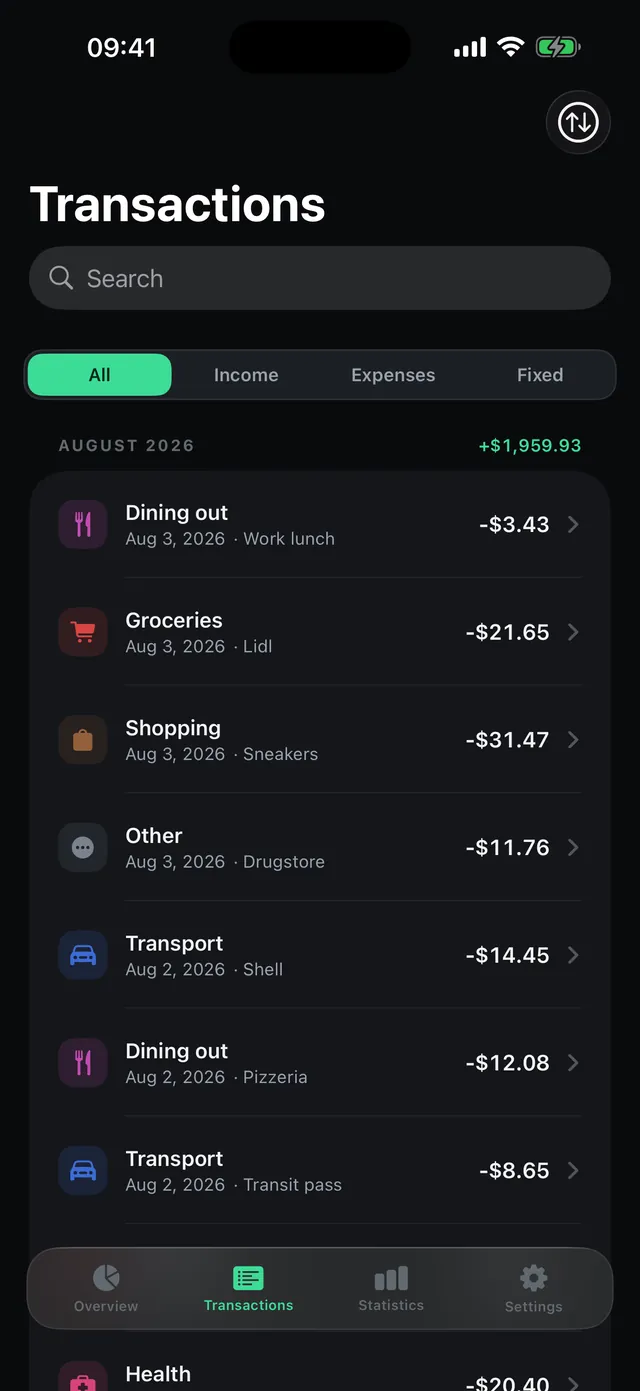
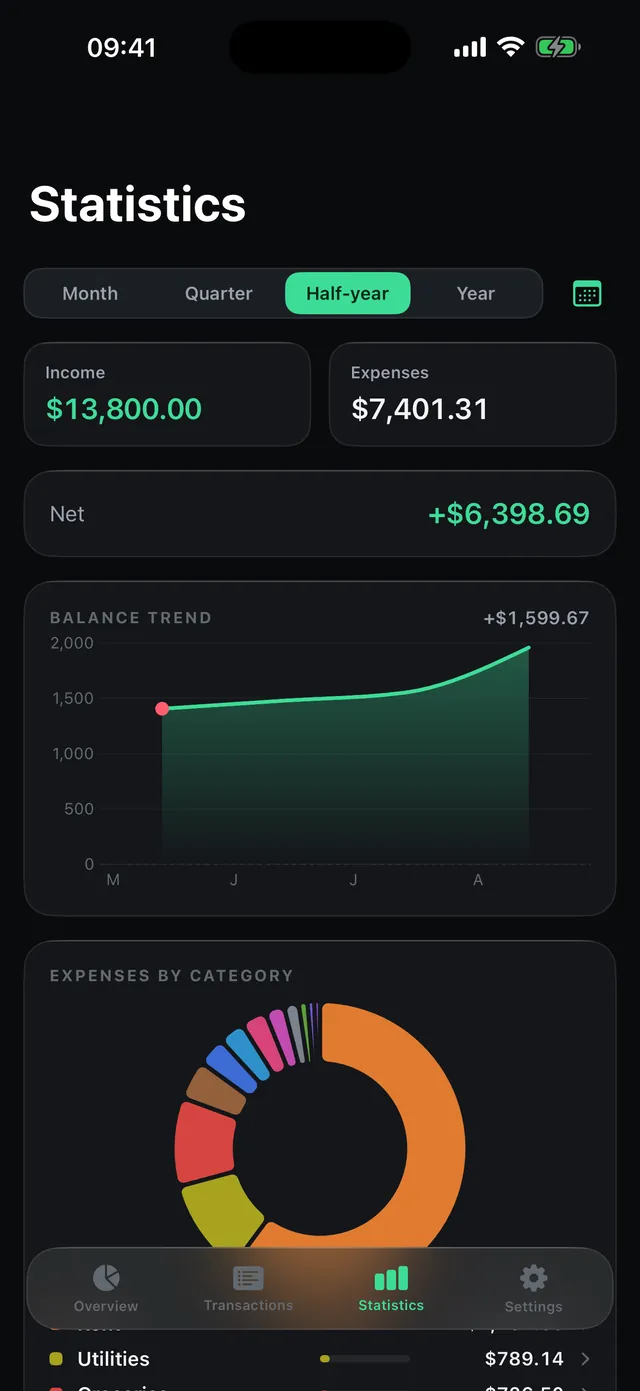
A look inside the app
Frequently asked questions
1. How do I add a transaction?
Tap the plus button, enter the amount and pick a category — done. You can optionally add a note, a different date, the fixed/variable flag and a receipt photo.
2. What is the difference between fixed and variable costs?
You mark fixed costs such as rent or insurance when you create the entry. The dashboard separates them from variable spending so you can see which part of this month's spending you can actually influence.
3. How do budgets work?
Turn on per-category budgets in Settings and set a limit. The app can warn you at 80% and 100%, and the dashboard tab shows a red badge once you go over.
4. How does the balance check work?
From time to time you enter your real account balance. The app compares it with the balance implied by your transactions and shows you the gap. It needs neither an IBAN nor a login — just a number.
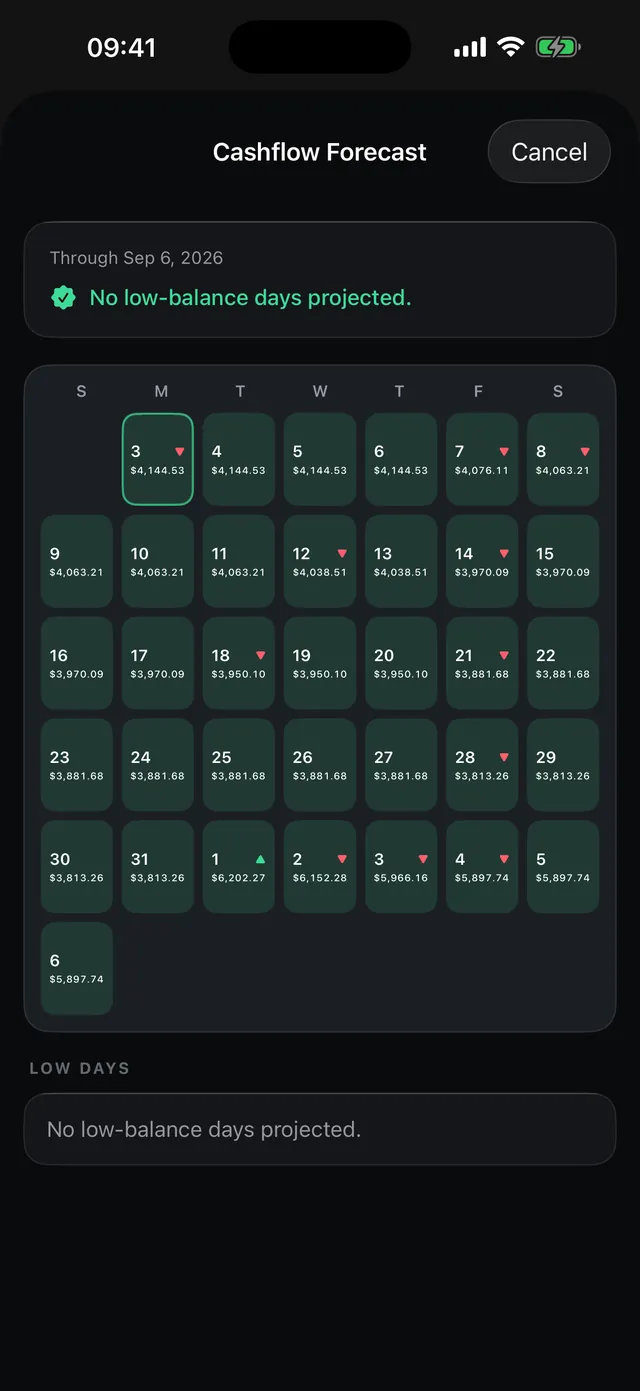
5. Does the forecast access my bank account?
No. Good Spend never connects to a bank. The forecast works purely from the balance you entered yourself and your recurring transactions — entirely on the device.
6. How do I turn on iCloud sync?
Settings → iCloud sync. It runs through your personal iCloud account; we have no access to it. Without that option everything stays strictly local.
7. How do I export or delete my data?
Settings → “Export as JSON” or “Delete all transactions”. Uninstalling the app removes all local data with it.
8. Why is my widget empty after installing?
Open the app once. The widget updates within a few seconds after that, and hourly from then on.
9. How do I change the adverts or withdraw my consent?
Settings → Advertising. You can withdraw the consent given on first launch at any time. The adverts are non-personalised by design: the app does not read an advertising identifier and hands over none of your entries. To switch them off for good, tap “Remove ads” there — a one-off in-app purchase (€3.99 / $3.99). After changing devices, “Restore purchases” brings it back.
Thanks for using Good Spend — and for helping us make the app better.
Direct contact
If you cannot use the form or prefer a direct reply, you can also reach us by email. We usually respond within 24 hours.
Good Spend is now on the App Store.
More about Good Spend →