Unser tolles Logo
WIFI & NETWORK SCANNER FOR ANDROID

Who's on your Wi-Fi?
NetRadar Pro scans your network in seconds, showing every device with IP, manufacturer, signal and latency — and checks open ports. Everything runs locally on your device: no account, no cloud.
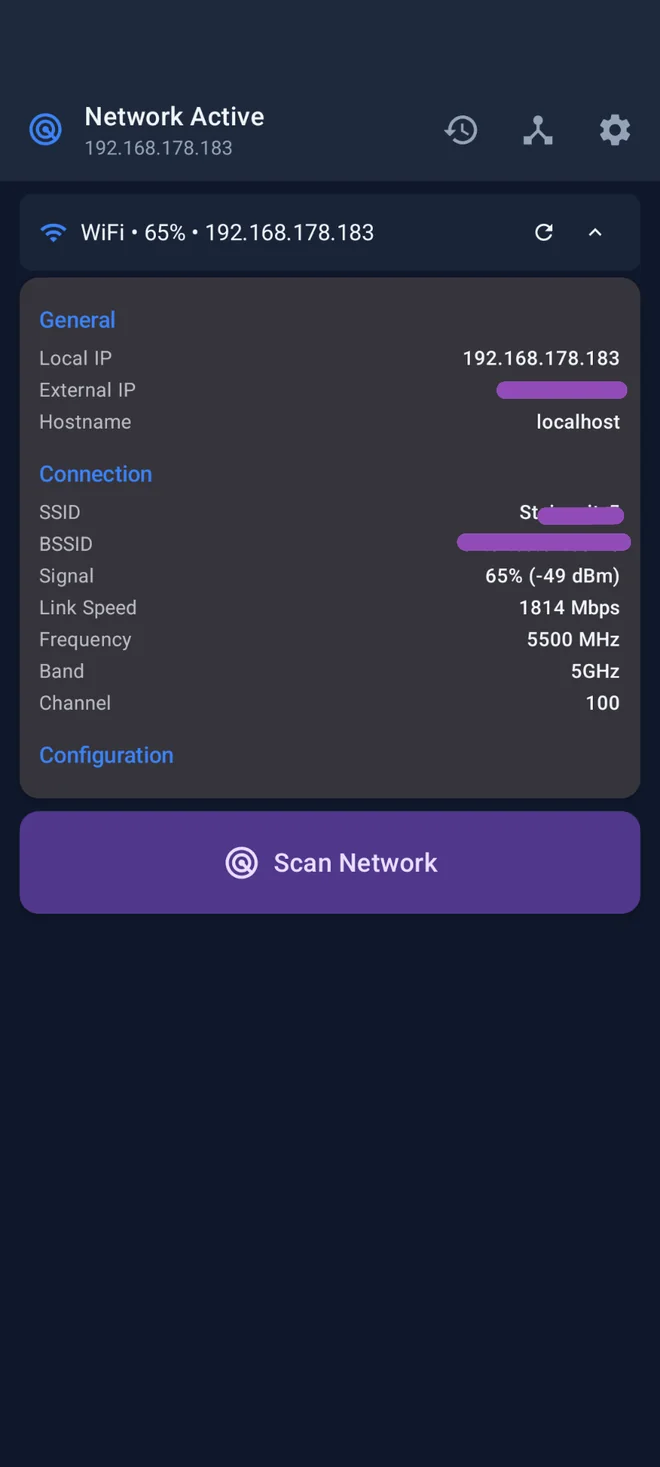
NetRadar Pro Wi-Fi details with signal strength and link speed
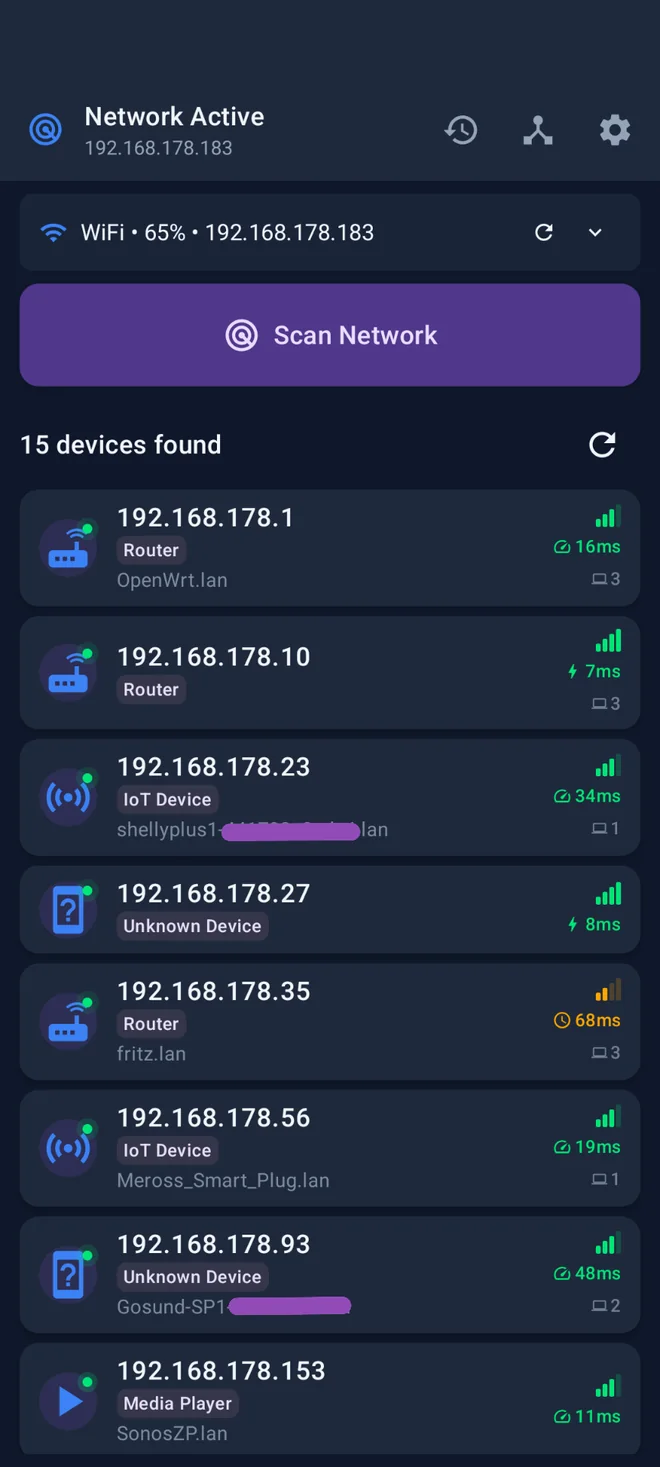
NetRadar Pro device list with 15 discovered devices
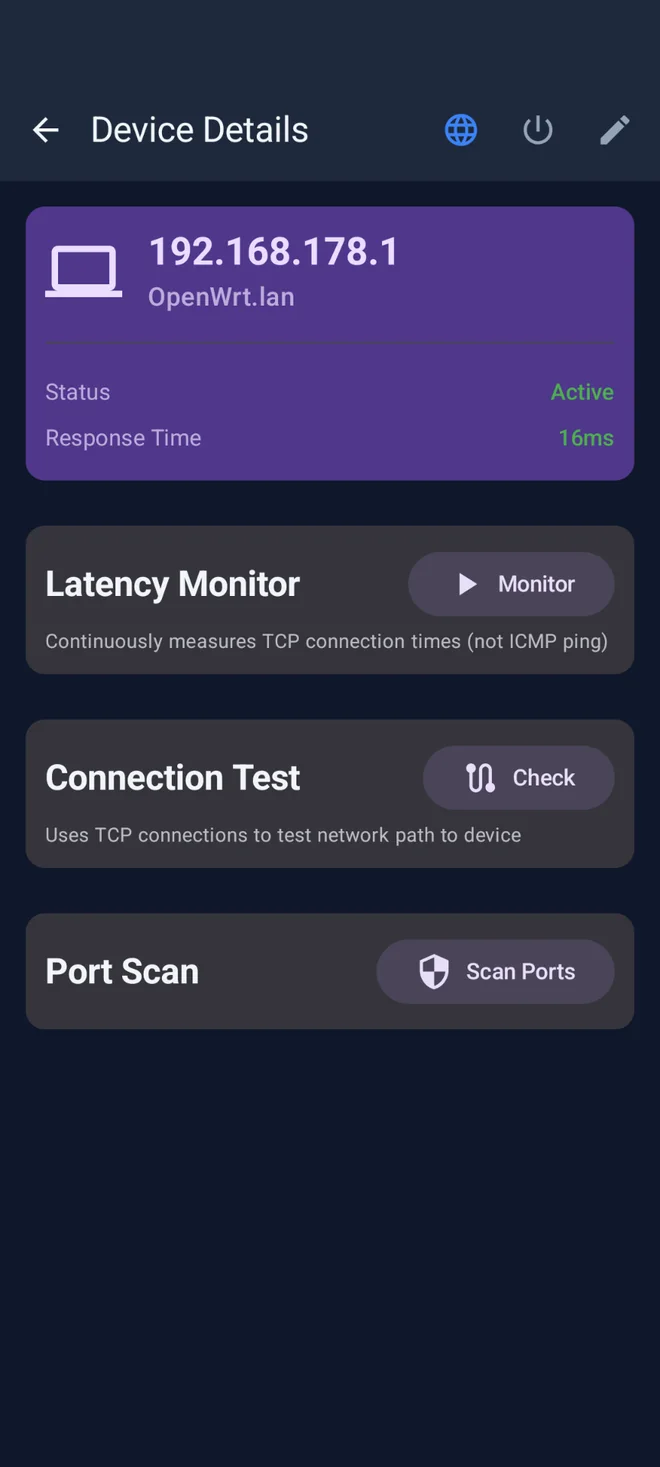
NetRadar Pro device details with latency monitor and port scan
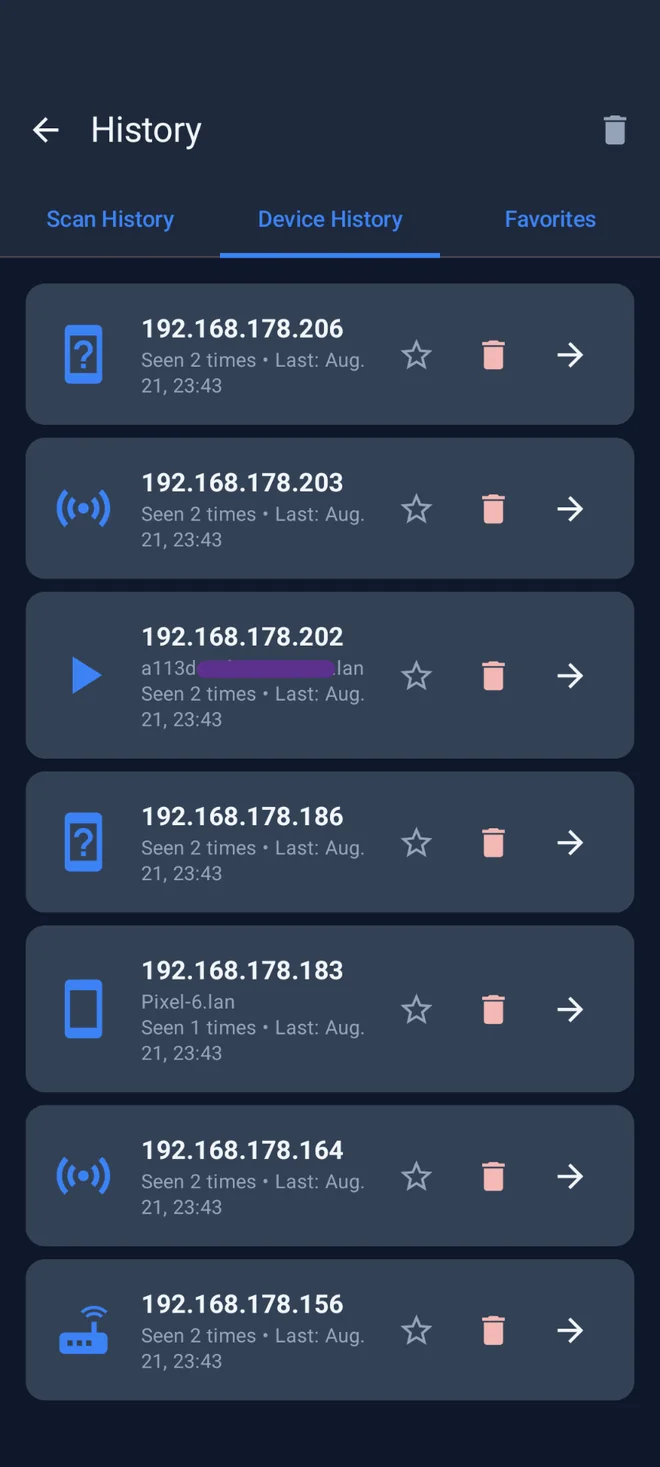
NetRadar Pro device history and favorites

Your network — fully in view

Network Scanner

Find every device on your Wi-Fi in seconds — routers, smartphones, smart home gadgets, unknown clients — with IP, hostname and manufacturer.

Signal & Speed

See Wi-Fi signal strength, link speed, frequency band and channel — ideal for spotting dead zones and congested channels.

Device Details

Latency monitor, connection test and port scan per device — spot open ports and check reachability.

History & Favorites

NetRadar remembers seen devices, marks your own as favorites, and alerts you when new, unknown devices appear.

100% local & private

The scan runs entirely on your device. No account, no cloud, no transmission of your network data to third parties.

Free & low-ads

NetRadar Pro is free — without intrusive full-screen ads and without a mandatory subscription for basic functions.

Why NetRadar instead of Fing & others?

Many network scanners require an account, sync your device lists to their cloud, and lock features behind a subscription. NetRadar Pro does it differently — everything stays on your device.

Other network scanners
  • Mandatory account
  • Network data in the cloud
  • Subscription for pro features
  • Full-screen ads
  • Only usable online
NetRadar Pro
  • No account needed
  • Scan stays on your device
  • Features without a subscription
  • Low-ad
  • Works on your local network

Frequently asked questions about NetRadar Pro

What does NetRadar Pro do exactly?
NetRadar Pro scans your local Wi-Fi/LAN and shows all reachable devices with IP address, MAC, manufacturer, ping latency and — optionally — open ports. The app runs entirely offline and helps you identify smart home devices, unknown clients, or network problems.
Which Android version is required?
Android 8.0 (Oreo) or later. For mDNS/Bonjour discovery (Apple, AirPlay, Chromecast devices) we recommend Android 10+. No root permission is needed to scan ports.
Do I need an internet connection?
No. NetRadar Pro works entirely offline — the app communicates exclusively with devices on your own network. No data is sent to us or to any third party.
Why doesn't the app find all devices on my network?
Some devices (e.g. printers, IoT gadgets, or firewalls) ignore ICMP ping or ARP broadcasts. Enable mDNS discovery and UPnP scan in Settings — this finds significantly more smart home devices. If your router has client isolation mode active, devices are additionally shielded from each other.
What are “open ports” and is the scan safe?
A port is an entry point through which a device offers services (e.g. port 80 = web server, 22 = SSH). NetRadar Pro scans exclusively on your local network — this is legal and safe. Scanning third-party networks without permission can have legal consequences.
Can I export the scan results?
Yes. Under “History” you can export past scans as CSV or JSON — including timestamps, device name, MAC and ping values. Handy for asset inventory or when you want to send a snapshot to IT support.
How do I rename devices or mark my own?
Long-press a device → “Edit”. Here you set a friendly name (e.g. “FritzBox” or “Sonos Kitchen”). Your own devices can be marked as “Owned” so they are visually highlighted in the scan.
Still have a question? Write to us — we usually reply within 24 hours, directly and without a ticket system.

Get NetRadar Pro — free on Google Play

Download NetRadar Pro and see who's on your Wi-Fi right away — local, private, no account.